
To connect your Bukku account to Swipey, watch the short video below, then scroll down for what happens next.
✓
Swipey connects and Alfie gets to work
Automatic — nothing to do here
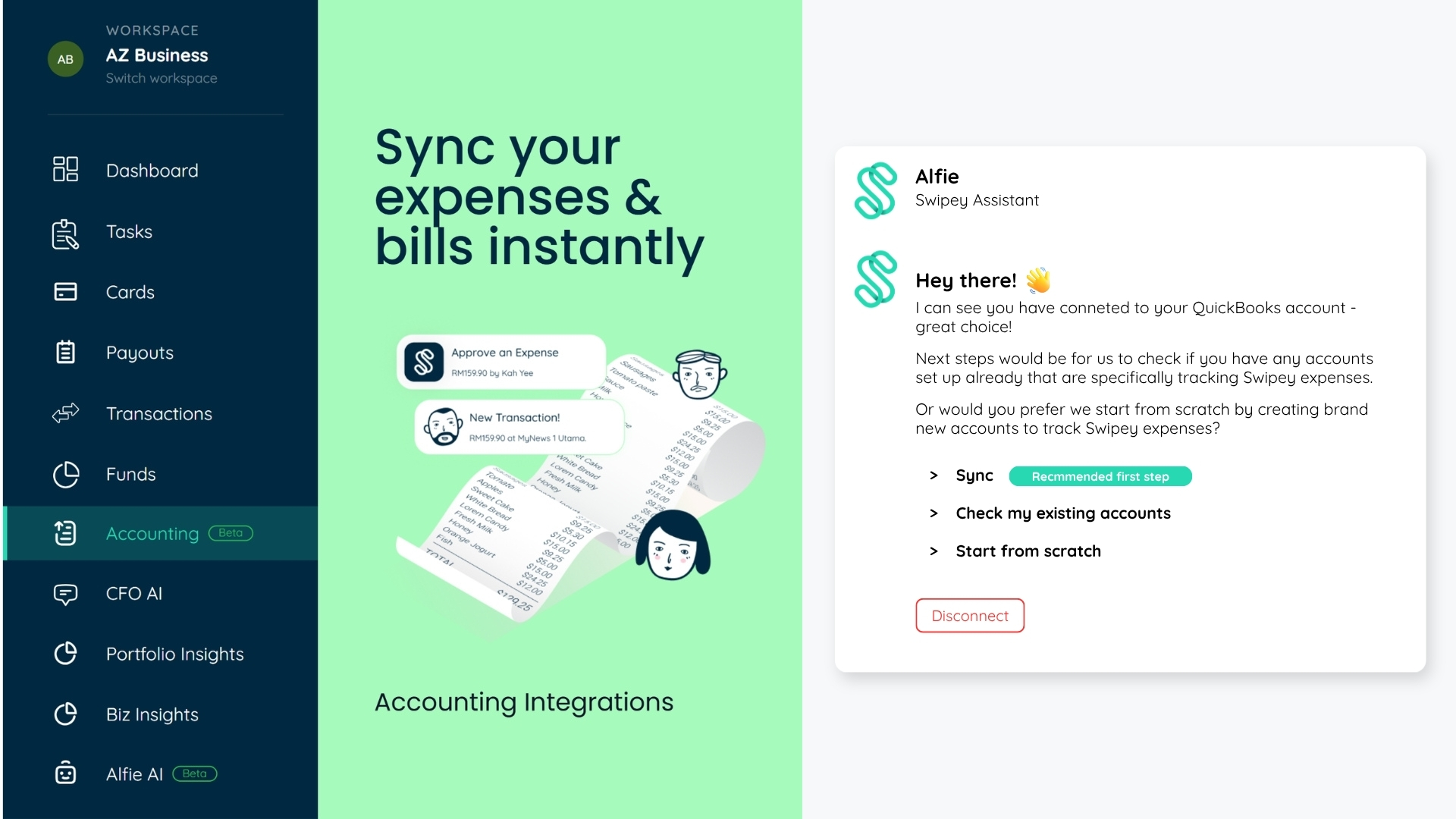
Once you click Save & Continue, you'll be brought back to Swipey. You'll see a message: "We are connecting, please check back later."
This is Alfie (our AI setup assistant) reading through your Bukku Chart of Accounts to find any existing Swipey accounts. This usually takes just a few seconds.
⚠️
Don't disconnect after setup
Once connected, avoid removing your API token or disconnecting Bukku from Swipey. This may cause your sync settings to be lost. Contact the Swipey support team first if you run into issues.
➡️ Next step
⚙️Setting Up Your Swipey Accounts in Bukku
Link your Swipey Available Funds and Cash Balance accounts using Alfie