
Every Swipey user gets access to a prepaid VISA card — and depending on your plan, you may also be eligible for a Corporate Card. The type of card you receive depends on your plan and what your Admin assigns to you. Here's everything you need to know about the difference.
At a Glance
Corporate CardMOST POPULAR | Travel Card | Virtual Card - QR Enabled | |
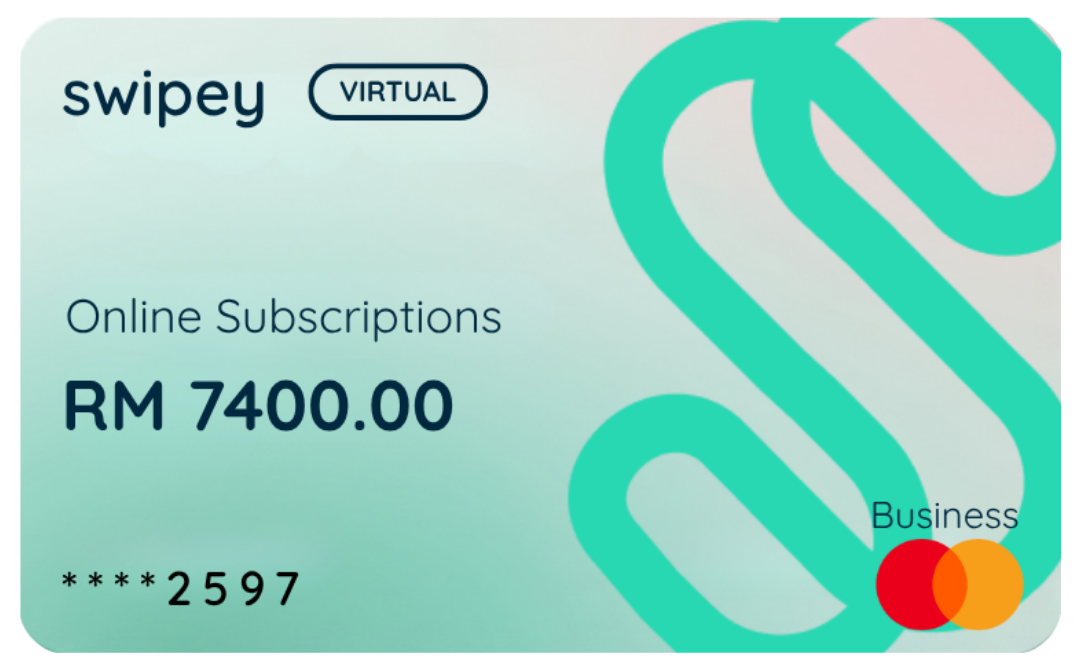 | 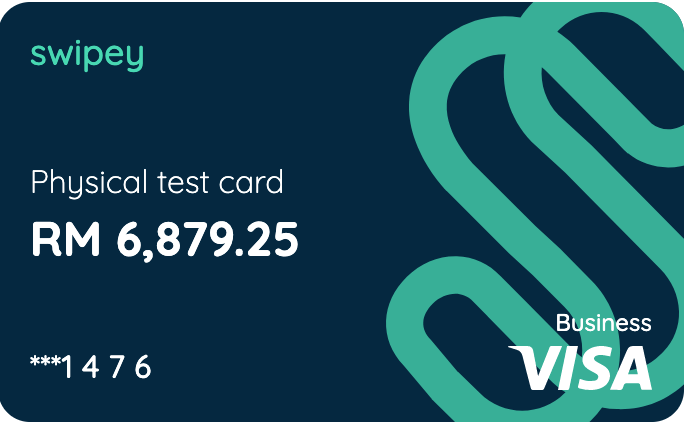 | 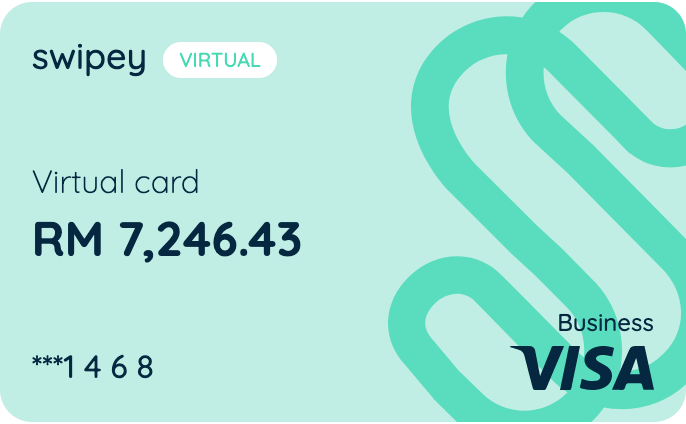 | |
Card type | Charge Card | Prepaid VISA | Prepaid VISA |
Available on | All plans, including Freemium For a limited time only | Growth and Plus plans only | All plans including Freemium |
Use for online payments | ✅ | ✅ | ✅ |
Works where prepaid is declined (Google, SaaS, Meta, LinkedIn and more) | ✅ | - | - |
Best for | Ad platforms, SaaS & high-value payments | Travel & in-person spend | Everyday team spend & petty cash |
Cashback | 1% cashback on all digital spend* | - | - |
Ready to use immediately | ✅ | ✅ Instantly, for online payments Physical card delivered between 7-10 business days | ✅ |
Use at physical stores | - | ✅ | - |
PayWave / contactless | - | ✅ | - |
Transaction limit | Higher limits possible | Up to RM10k/txn Up to RM 50k/day | Up to RM10k/txn Up to RM 50k/day |
DuitNow QR | - | ✅ | ✅ |
Accessible via | Swipey mobile app | Physical card + mobile app | Swipey mobile app |
Cards per user | Plus plan: Up to 2 Growth plan: Up to 1 Freemium plan: None | Plus plan: Up to 2 Growth plan: Up to 1 Freemium plan: None | Plus plan: Up to 5 Growth plan: Up to 3 Freemium plan: 1 |
*Terms and conditions apply.
Corporate Card MOST POPULAR
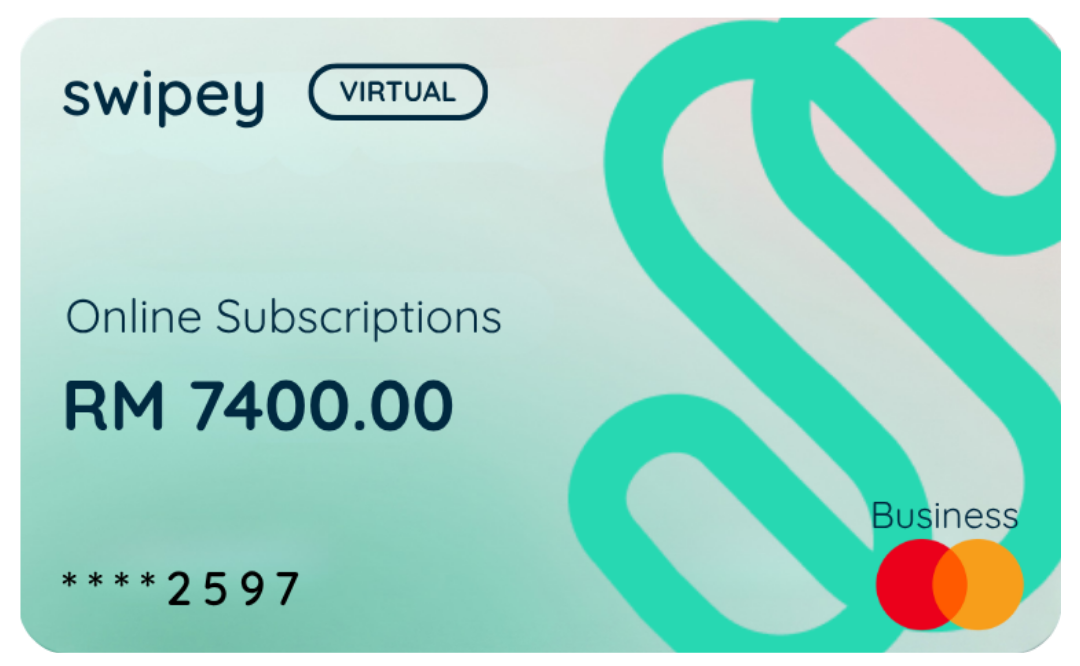
The Corporate Card is a virtual card built for payments where prepaid cards fall short.
Why does this matter?
Prepaid cards have two limitations that cause real problems for growing businesses:
- Many platforms (including Google Ads, Meta, LinkedIn, and OpenAI) automatically decline or cancel subscriptions when a prepaid card is used
- Prepaid cards have a transaction limit of RM10,000, which creates friction for large ad budgets or high-value vendor payments
The Corporate Card solves both. It's accepted wherever these platforms are used, and it has no transaction limit — so your ad campaigns don't get paused mid-flight and your SaaS subscriptions don't lapse.
You'll also earn 1% cashback on all digital spend made with the Corporate Card.*
For a limited time, the Corporate Card is available on all plans, including Freemium.
When should you use this card? Use it for your Google Ads, Meta, LinkedIn, TikTok ad accounts, OpenAI, and any other platform or vendor that declines prepaid. Keep your virtual and physical prepaid cards for day-to-day team spend.
*Terms and conditions apply.
Travel Cards
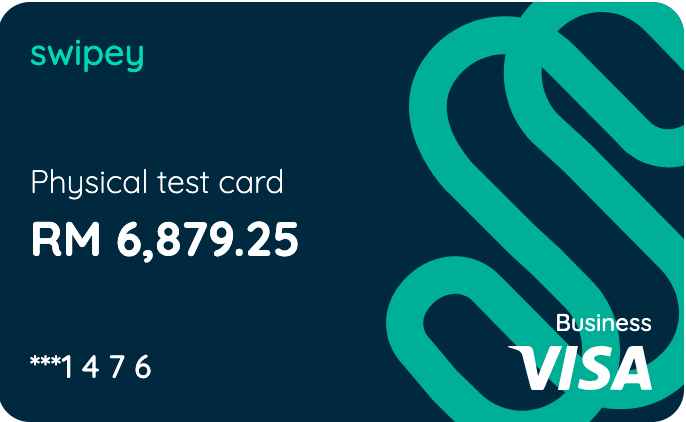
Travel cards are available on Growth and Plus plans only. Your Admin assigns a travel card to you. Once assigned, you'll receive an email with a tracking number — physical delivery typically takes 7–10 business days. Use your travel card anywhere that accepts VISA: retail stores, restaurants, petrol stations, groceries, and online.
Payment methods supported:
- Chip and PIN: insert your card and enter your PIN
- VISA PayWave: tap to pay contactless
Note: For your first in-store payment, always use the Chip and PIN method. This activates PayWave on your card.
To learn how to get started with Travel Card, click here.
Virtual Cards - QR Enabled
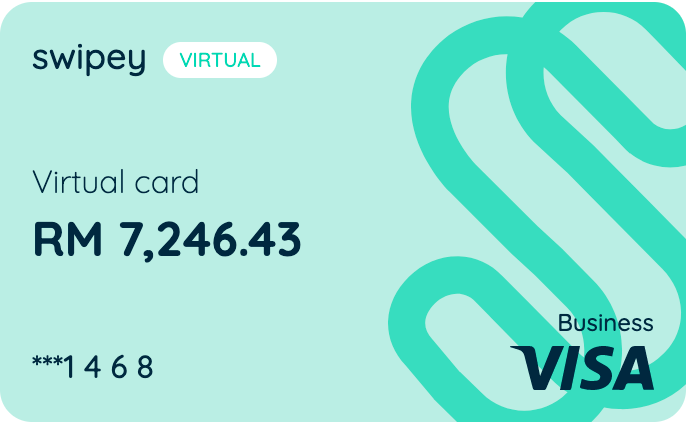
Virtual cards are available on all plans and are ready to use the moment your account is set up — no waiting, no delivery.
You access your virtual card through the Swipey mobile app. Use it for any online payment where a VISA card is accepted: subscriptions, SaaS tools, e-commerce, digital advertising, and more.
How to view your card details:
- Open the Swipey mobile app and tap the Cards tab at the bottom
- Tap Show Card Details and complete verification
- Your 16-digit VISA card number, expiry date, and CVV will appear — use these at any online merchant
Tip: Keep your card details private. Never share your CVV with anyone.
To learn how to get started with Virtual Card, click here.
Can I Hold Multiple Cards?
Yes — you can hold a Virtual Card, a Travel Card, and a Corporate Card at the same time. Your Admin assigns cards when inviting you, or can issue additional cards at any time. The number of prepaid cards you can hold depends on your company's plan.
If you need an additional card, speak to your Admin.
Which Plan Gets What?
| Plan | Corporate Card | Physical Cards | Virtual Cards |
| Freemium | ✅ Available (Limited time) | ❌ Not available | 1 per user |
| Growth | ✅ Available | 1 per user | 3 per user |
| Plus | ✅ Available | 2 per user | 5 per user |
Need Help?
If you're unsure which card is right for you, or want someone to walk you through setup, we're here.
💬 Chat with us on WhatsApp
📞 Book a 30-minute session and we'll guide you through using Swipey
Common Questions
My PayWave isn't working — what do I do?
PayWave needs to be activated with your first chip and PIN transaction. If you've already done that and PayWave still isn't working, contact us on WhatsApp.
I haven't received my physical card — how long does delivery take?
Physical card delivery typically takes 7–10 business days after your Admin issues it. If it's been longer, reach out to us and we'll check the status.
Can I use my virtual card for in-store payments?
No — virtual cards are for online payments only. For in-store purchases you'll need a physical card.
My Google Ads / Meta account keeps rejecting my card. What do I do?
Ad platforms like Google, Meta, and LinkedIn typically decline prepaid cards. This is where the Corporate Card comes in — it's accepted on all major ad platforms and has no transaction limit, plus you'll earn 1% cashback on digital spend.
Speak to your Admin to get a Corporate Card assigned to you.
What's the difference between a prepaid card and the Corporate Card?
A prepaid card draws from a preloaded balance — great for controlling team spend. The Corporate Card is prefunded separately and settled in full, which is why platforms like Google Ads accept it. Think of the Corporate Card as your card for business-critical platforms, and your prepaid cards for everyday team expenses.
What if I lose my physical card?
Freeze your card immediately from the Swipey mobile app, or contact your Admin to freeze it from the dashboard.